

Custom Agents
Create custom AI agents to automate infrastructure tasks for you and your team
What are custom agents
Section titled “What are custom agents”Custom agents let you define automated tasks that Cased’s AI performs on a schedule or trigger. They work just like the default agents that ship with Cased, but can be tailored to your organization’s specific needs and processes.
How custom agents work
Section titled “How custom agents work”Cased’s AI excels at infrastructure automation tasks like monitoring resources, managing deploys, and debugging production issues. Custom agents enable you to give it specific instructions to handle infrastructure tasks automatically.
Each agent combines three key elements:
Triggers
Section titled “Triggers”Agents can be triggered in three ways:
- Scheduled - Run the agent on a regular schedule (daily, weekly, monthly)
- Webhooks - Trigger when Cased receives a webhook from external systems
- API - Start on-demand via API call
Context
Section titled “Context”The agent needs access to your systems to be effective. Connect these integrations to give agents the context they need:
Essential integrations:
Recommended additions:
- Slack - Send notifications and alerts
- Sentry - Analyze errors and exceptions
- DataDog - Monitor metrics and logs
- PagerDuty - Respond to incidents
Agent prompt
Section titled “Agent prompt”The prompt provides clear instructions for what the agent should do. Write prompts as if explaining the task to a senior engineer.
Example prompt for a deployment health check:
After each deployment to production:1. Check error rates in Sentry for new exceptions2. Monitor CPU and memory usage in DataDog3. Verify all health checks are passing4. Review deployment logs for warnings5. If issues found, summarize in Slack #deployments channel6. If critical issues, create PagerDuty incidentCreating your first agent
Section titled “Creating your first agent”-
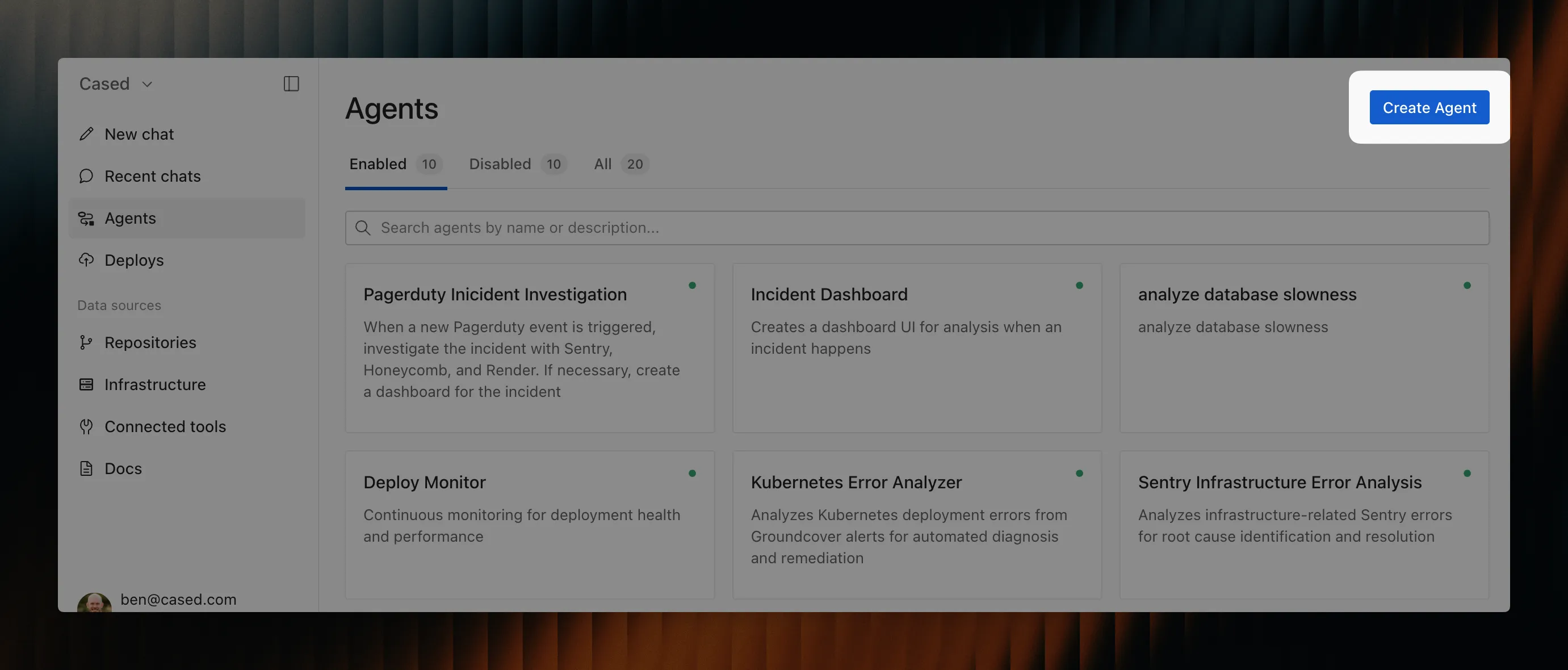
Navigate to Agents in your Cased dashboard
-
Click “Create agent”
-
Configure the basics:
- Name: Descriptive name like “Daily Infrastructure Audit”
- Trigger: Choose scheduled, webhook, or API
- Schedule: Set timing if using scheduled trigger
-
Write your prompt:
- Be specific about what to check
- Include success/failure criteria
- Specify where to report results
-
Test the agent:
- Use “Run now” to test immediately
- Review the agent’s actions and output
- Refine prompt based on results
-
Enable and monitor:
- Turn on the agent when ready
- Check execution history regularly
- Iterate based on effectiveness
Best practices
Section titled “Best practices”Write clear prompts
Section titled “Write clear prompts”✅ Good prompt:
Check all EC2 instances for:- Instances running longer than 30 days without restart- Instances without recent backups- Development instances running outside business hoursReport findings in #aws-alerts with instance IDs and recommendations❌ Vague prompt:
Check our servers and let me know if anything looks wrongStart simple, then expand
Section titled “Start simple, then expand”Begin with basic agents and add complexity as you validate they work:
- Start: Check S3 buckets for public access
- Expand: Also check for missing encryption
- Enhance: Add automatic remediation for common issues
Use parameters for flexibility
Section titled “Use parameters for flexibility”Make agents reusable across environments:
Check database backup status for {{ environment }}:- Verify backup completed in last {{ backup_hours }} hours- Check backup size is within {{ size_variance }}% of average- Alert {{ slack_channel }} if issues found