

Agents Overview
Pre-configured AI assistants that run on schedules or triggers to handle repetitive infrastructure tasks
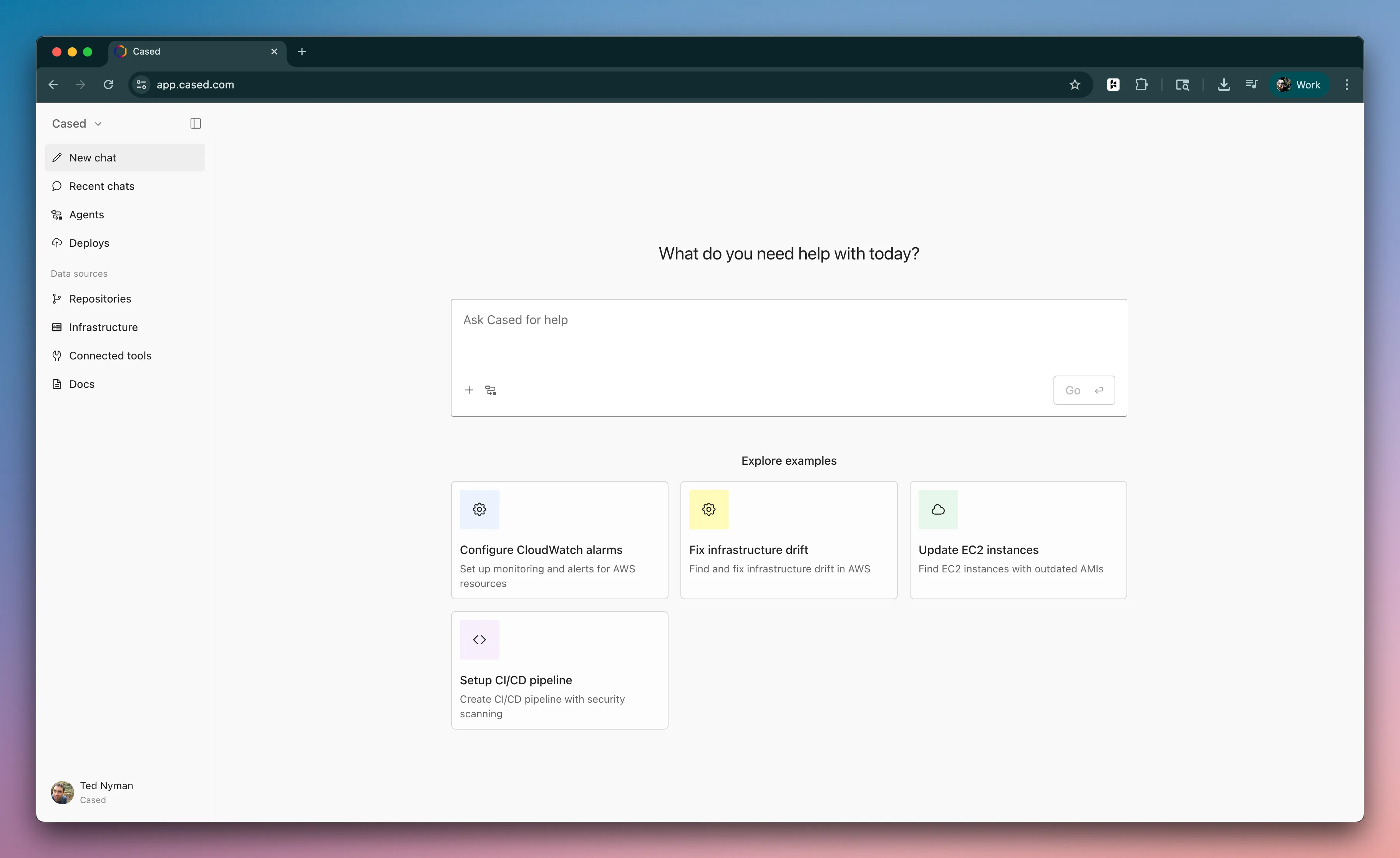
What are agents
Section titled “What are agents”Agents are pre-configured AI assistants that handle repetitive infrastructure automation tasks automatically. You define what the agent should do, and it runs on a schedule or trigger without manual intervention.
There are multiple ways to trigger an agent:
- Event-driven - Triggered by webhooks from external systems (Sentry issues, deployments, Kubernetes alerts)
- Scheduled - Run on a regular schedule (daily, weekly, monthly)
- API - Start on-demand via API call
Once triggered, the agent creates a new session and follows its instructions to complete infrastructure tasks for you.
Default agents
Section titled “Default agents”Cased comes with default agents for your organization. See Default Agents for detailed explanations.
- Sentry Infrastructure Error Analysis - Analyzes Sentry errors for infrastructure issues and creates fix sessions
- Deploy Monitor - Monitors deployment health and provides real-time status updates
- Kubernetes Error Analyzer - Diagnoses Kubernetes alerts from Groundcover
- Add Deploy Monitor Action - Helps add the Cased Deploy Monitor to your GitHub Actions
How to configure agents
Section titled “How to configure agents”- Navigate to Agents in your Cased dashboard
- Enable relevant agents for your infrastructure setup
- Configure integrations - Connect Sentry, GitHub, Slack, and other tools
- Set notification channels - Choose where to receive alerts and updates
- Monitor results in your dashboard or notification channels
Agents run autonomously once configured and improve system reliability by catching issues early.