

Chat Overview
Start interactive conversations with Cased's AI to solve infrastructure problems, debug issues, and automate tasks.
Cased’s chat interface lets you have interactive conversations with AI to handle infrastructure tasks. Unlike pre-configured Agents that run automatically, chat sessions let you work interactively to solve problems.
How chat works
Section titled “How chat works”When you start a new chat, you create a session where you can:
- Ask questions about your infrastructure
- Debug production issues
- Get help with Terraform or other IaC
- Create pull requests
- Manage cloud resources
The AI operates in a loop, using tools and integrations to gather information and take actions on your behalf.
Cased comes with tools that are enabled by installing integrations.
These tools allow the AI to interact with other systems and perform actions on your behalf.
For example, by enabling the GitHub integration, it can create pull requests. With cloud provider integrations like AWS or GCP, it can manage your infrastructure.
Sessions
Section titled “Sessions”Every chat creates a “session” that logs all activity.
This includes the conversation history, the tools that were used, and the status of the run. This allows you to see exactly what happened and debug any issues.
Interactivity
Section titled “Interactivity”Chat is designed to be interactive.
You can pause and resume, and you can provide additional information to help complete tasks. This allows you to work together to solve problems and automate complex operations.
When to use chat vs agents
Section titled “When to use chat vs agents”| Use chat when… | Use agents when… |
|---|---|
| You need to debug an issue interactively | You have a repetitive task to automate |
| You want to explore your infrastructure | You want scheduled monitoring |
| You’re working on a one-off task | You want consistent, repeatable checks |
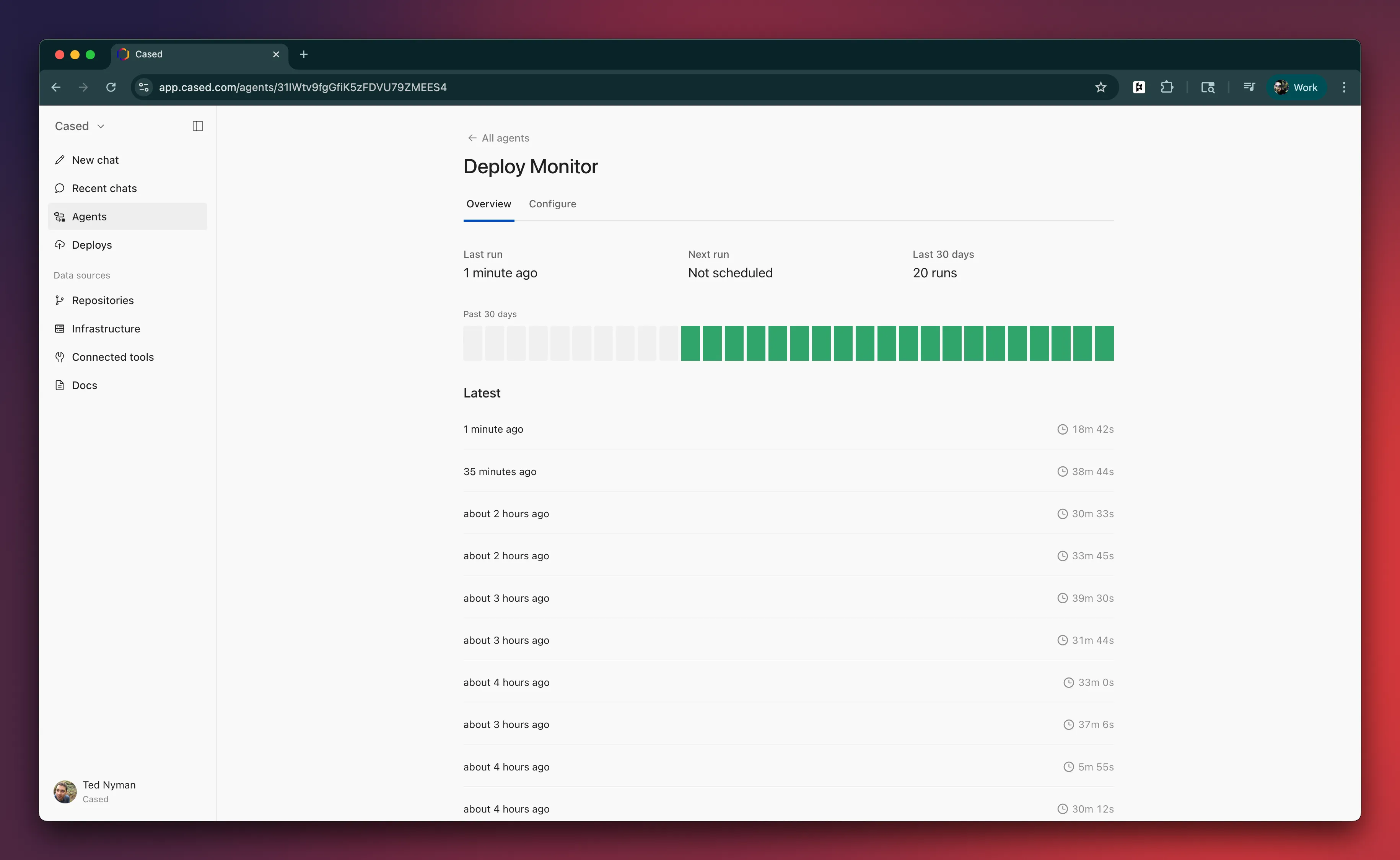
| You need to iterate on a solution | You want hands-off automation |